
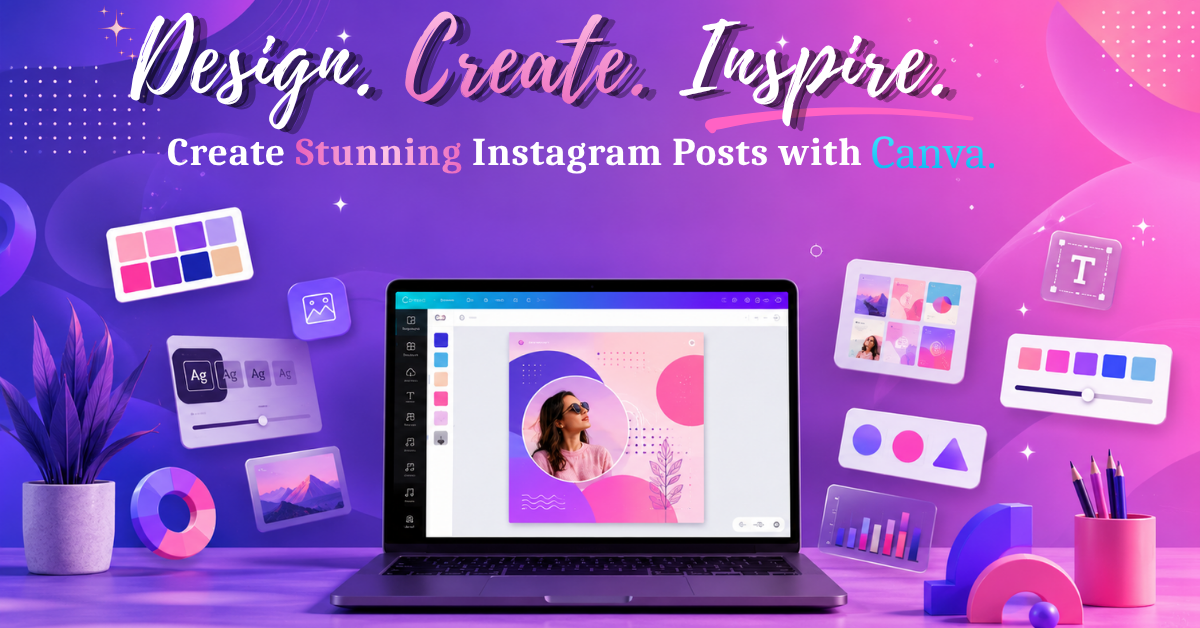
How to Create Eye-Catching Instagram Posts in Canva :
Instagram has become one of the most powerful platforms for businesses, creators, and personal brands to connect with their audience. Every day, millions of images compete for attention, making high-quality visual content essential for success. you're promoting a product, sharing valuable tips, or building your personal brand, attractive Instagram posts can increase engagement, grow your followers, and strengthen your online presence.
The good news is that you don't need to be a professional graphic designer to create stunning social media content. Canva is a user-friendly design platform that makes it easy for anyone to create professional-looking Instagram posts using customizable templates, drag-and-drop tools, and powerful design features.
This guide explains how to create eye-catching Instagram posts in Canva, from choosing the right template to exporting your final design.
Why Canva Is Perfect for Instagram Design :
Canva has become one of the most popular design tools because it combines simplicity with professional-quality results. Beginners can create attractive graphics in minutes, while experienced designers can customize every detail.
Some of Canva’s biggest advantages include :
Thousands of professionally designed Instagram templates.
Drag-and-drop editing.
Extensive library of fonts, icons, illustrations, and stock photos.
AI-powered design features.
Easy collaboration for teams.
These features make Canva an excellent choice for individuals, businesses, marketers, and content creators.
Understand Your Instagram Audience :
Before designing anything, think about the people you're creating content for. Your audience influences every design decision.
Ask yourself:
Who will see this post?
What problem are you solving?
What action do you want viewers to take?
Does your design match your brand personality?
Start with the Correct Instagram Size :
Using the correct dimensions helps your content appear sharp and professional.
Common Instagram sizes include:
Square Post: 1080 × 1080 pixels
Portrait Post: 1080 × 1350 pixels
Story: 1080 × 1920 pixels
Reel Cover: 1080 × 1920 pixels
Keep Your Branding Consistent :
Consistency helps people recognize your content immediately while scrolling.
Use the same:
Brand colors
Font combinations
Logo placement
Icon style
Image editing style
For example, if your brand uses purple and pink gradients, continue using those colors throughout your Instagram feed.
Select High-Quality Images :
Images are often the first thing users notice.
Choose photos that are:
High resolution.
Well-lit.
Relevant.
Authentic.
Consistent with your brand.
Avoid blurry or stretched images because they reduce credibility.